

Private by default
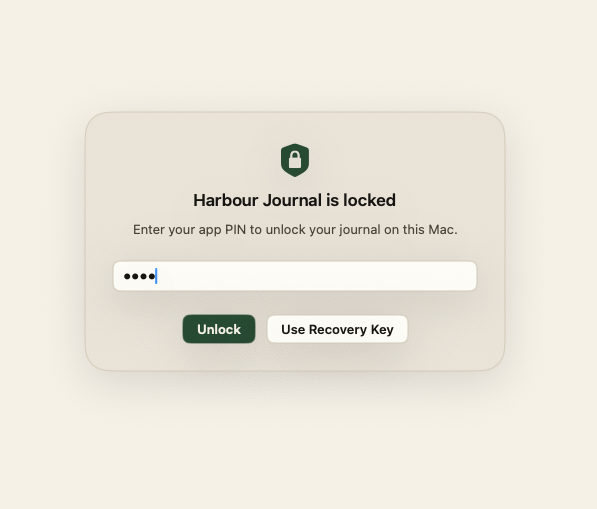
Your writing, photos, chats, memories, and profile details stay on-device unless you choose to export or share them.
Your journal shouldn't require an account, a monthly fee, or trust in a company you've never met. Harbour lives on your Mac, thinks on your Mac, and stays on your Mac.
Your writing, photos, chats, memories, and profile details stay on-device unless you choose to export or share them.
Start writing without creating a cloud account or renting access to your own archive.
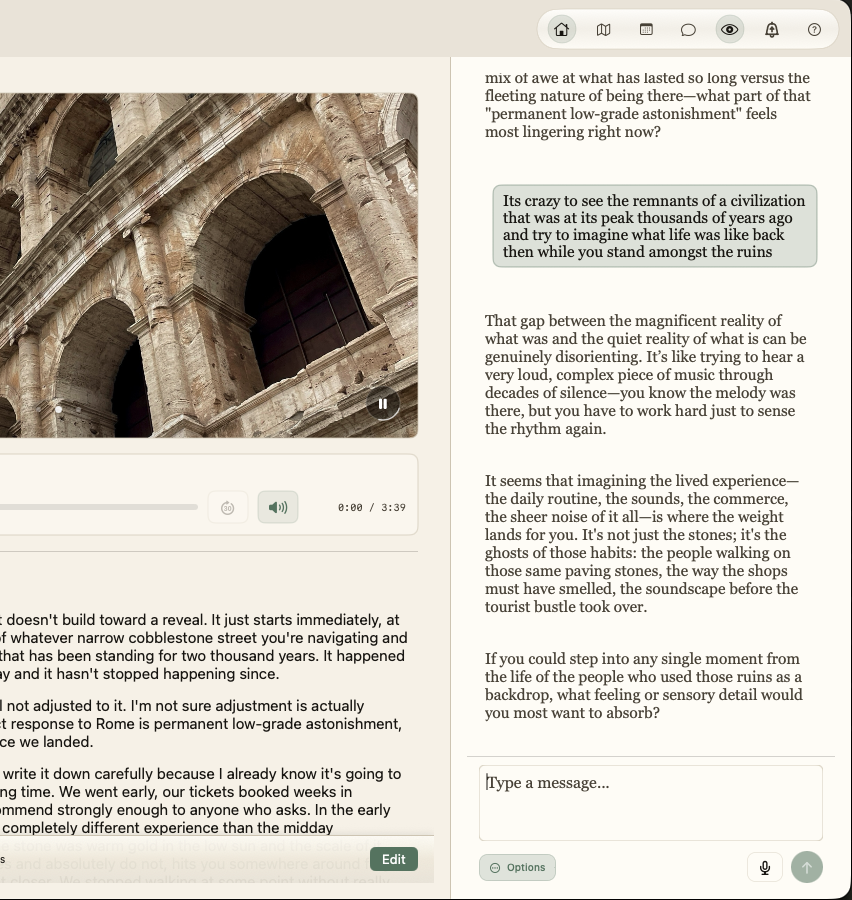
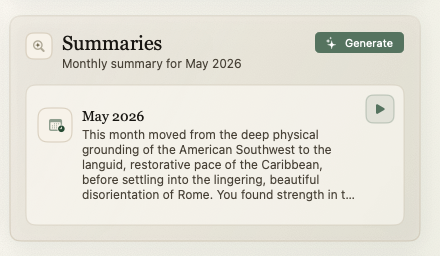
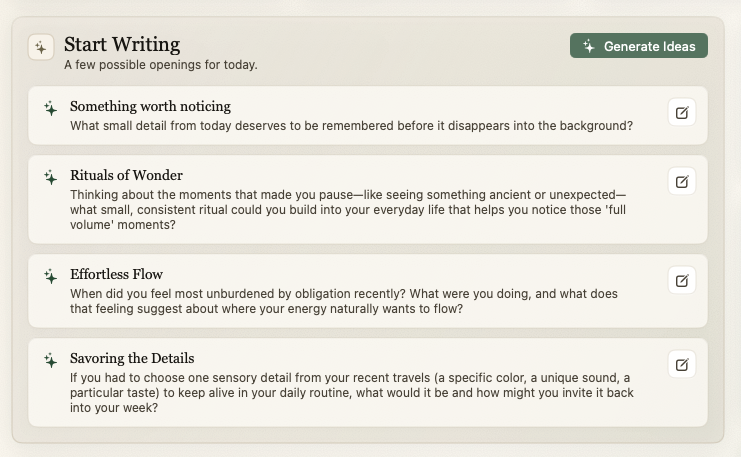
Harbour uses on-device AI to summarize themes, surface patterns, and respond to your writing inside the app.
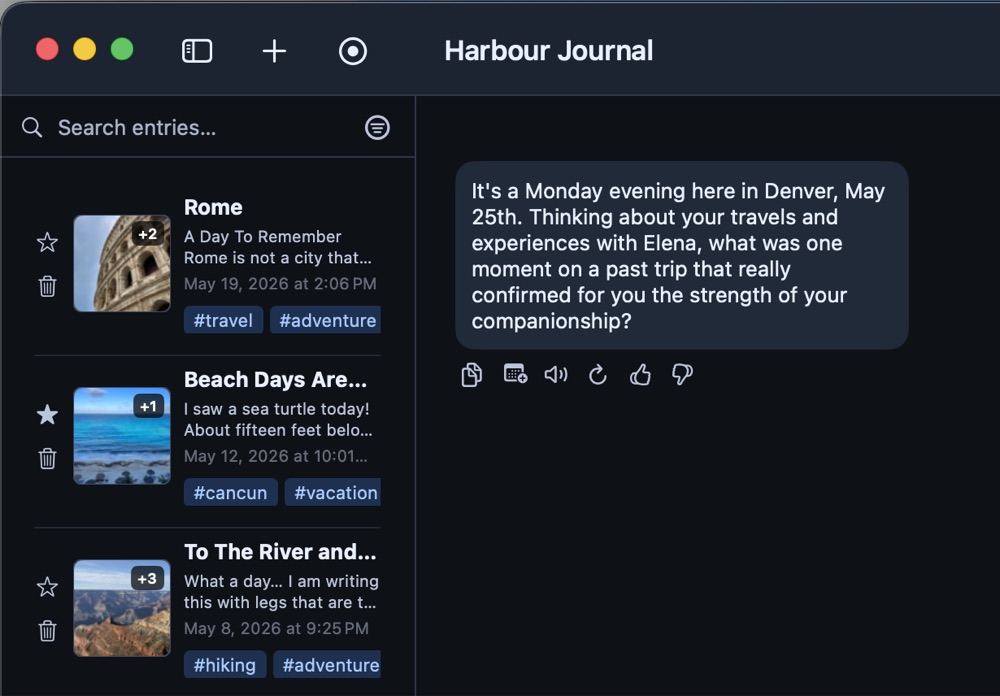
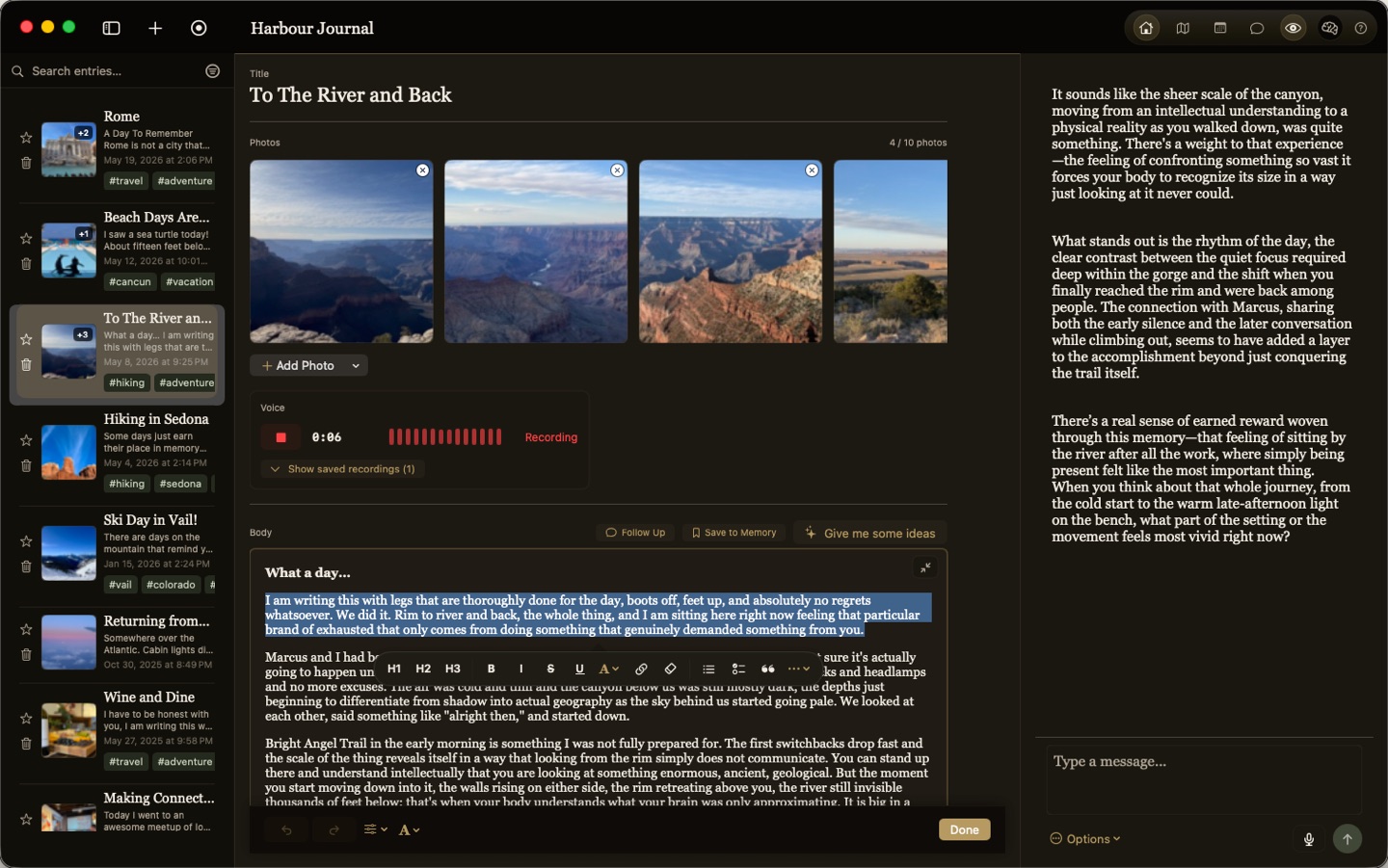
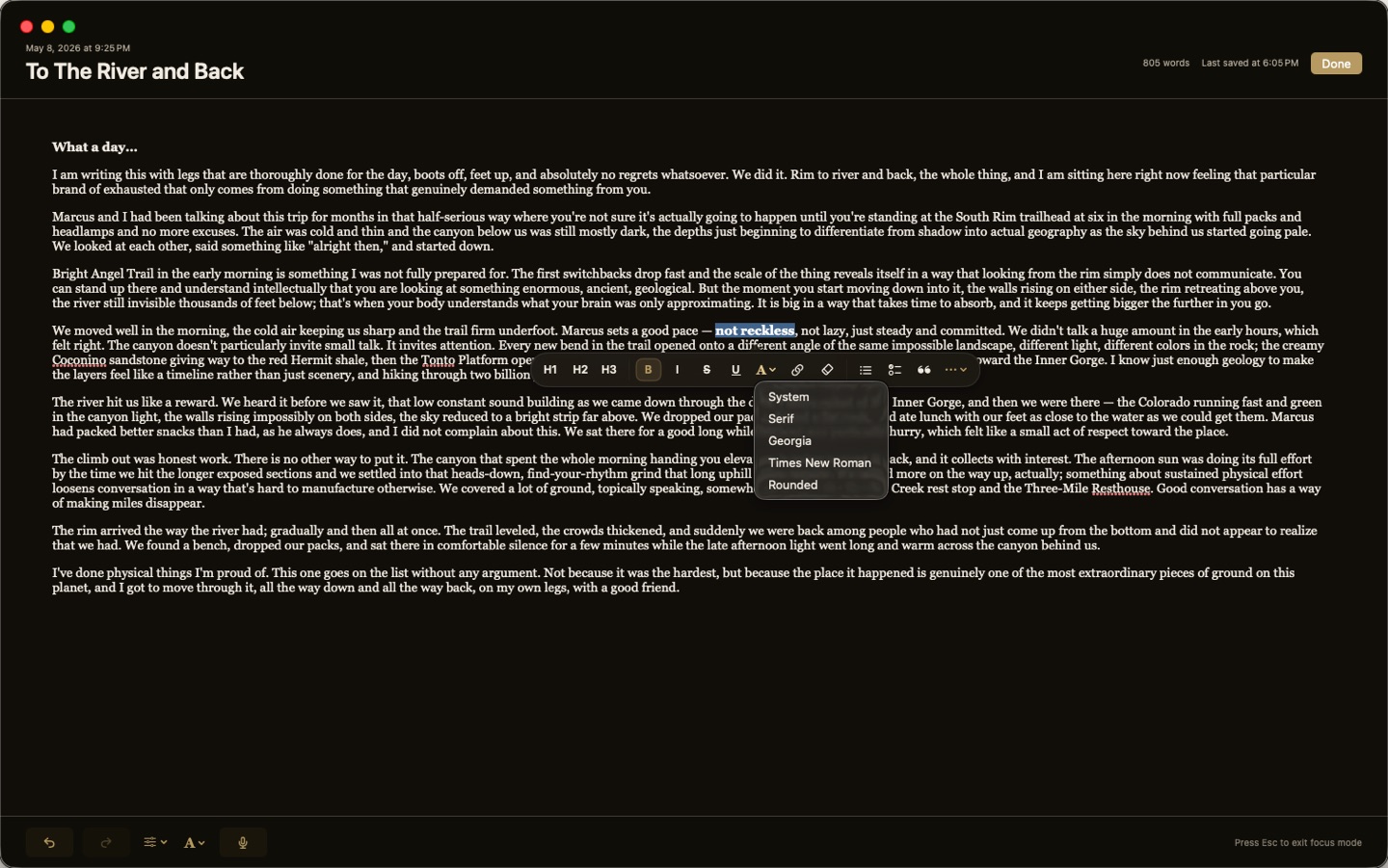
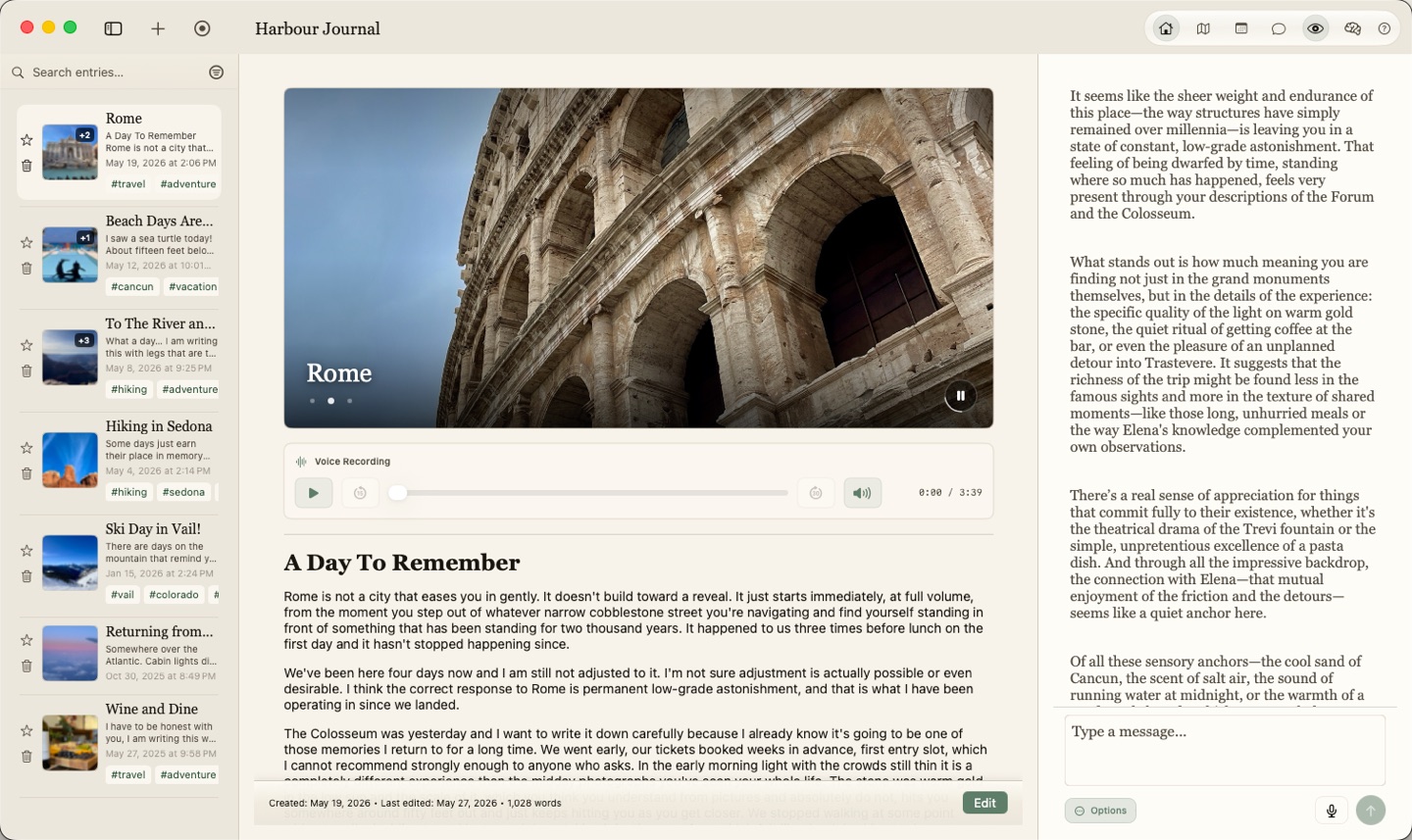
Harbour is a journal first: a quiet place to write, search, tag, map, and revisit your entries. Harbour uses AI only when you want it, and keeps it out of the way when you don't, helping you reflect without pulling your writing into a cloud service.
Harbour can remember names, places, and recurring details so reflections feel more personal while that information stays on your Mac.
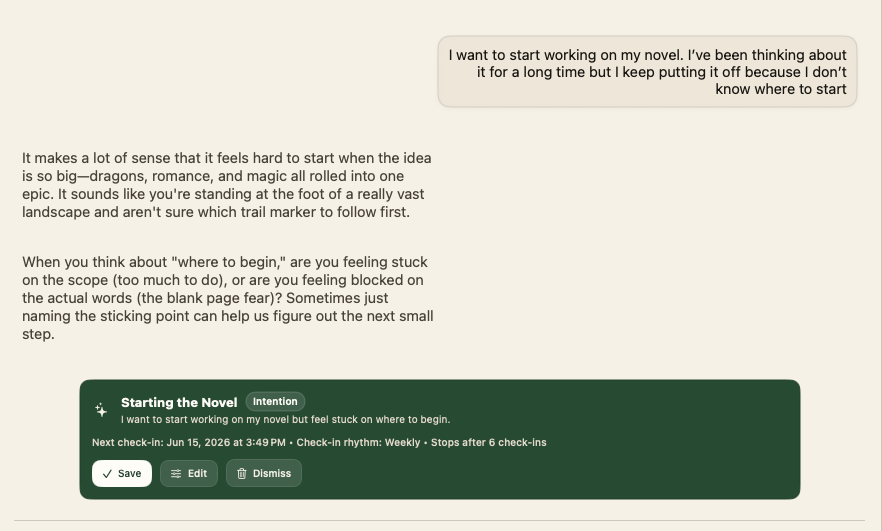
Use local chat and reflection to summarize an entry, ask follow-up questions, or notice repeated themes in what you have written.
We are opening a limited beta for people who want to try a local-first journal, test AI reflection, and tell us where the experience needs to be clearer.
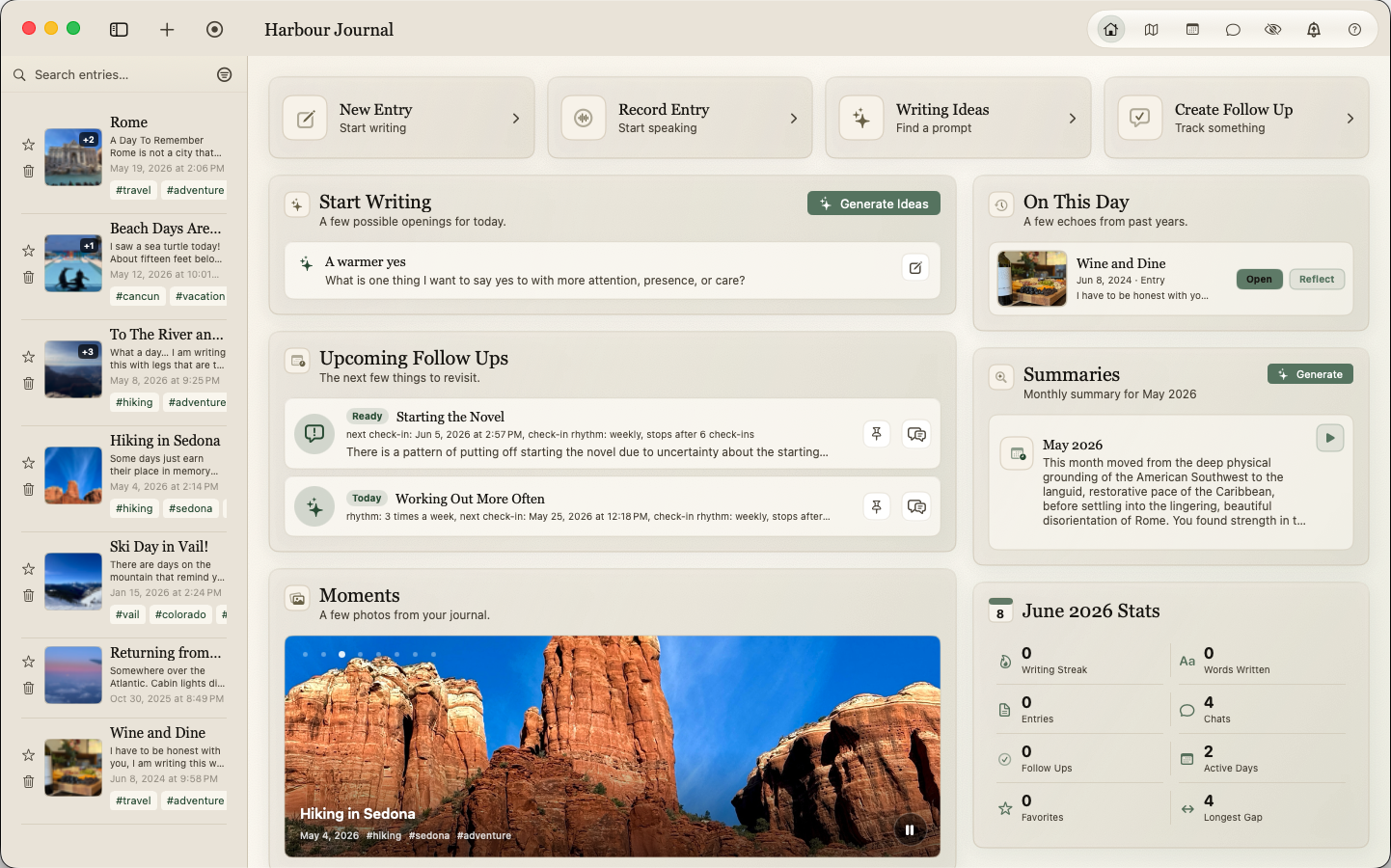
The best journal becomes more useful over time. Harbour gives you simple ways to browse old entries, see where you've written, and return to moments that still matter.
Add simple tags and search across your writing when you need to find a person, topic, trip, decision, or moment quickly.
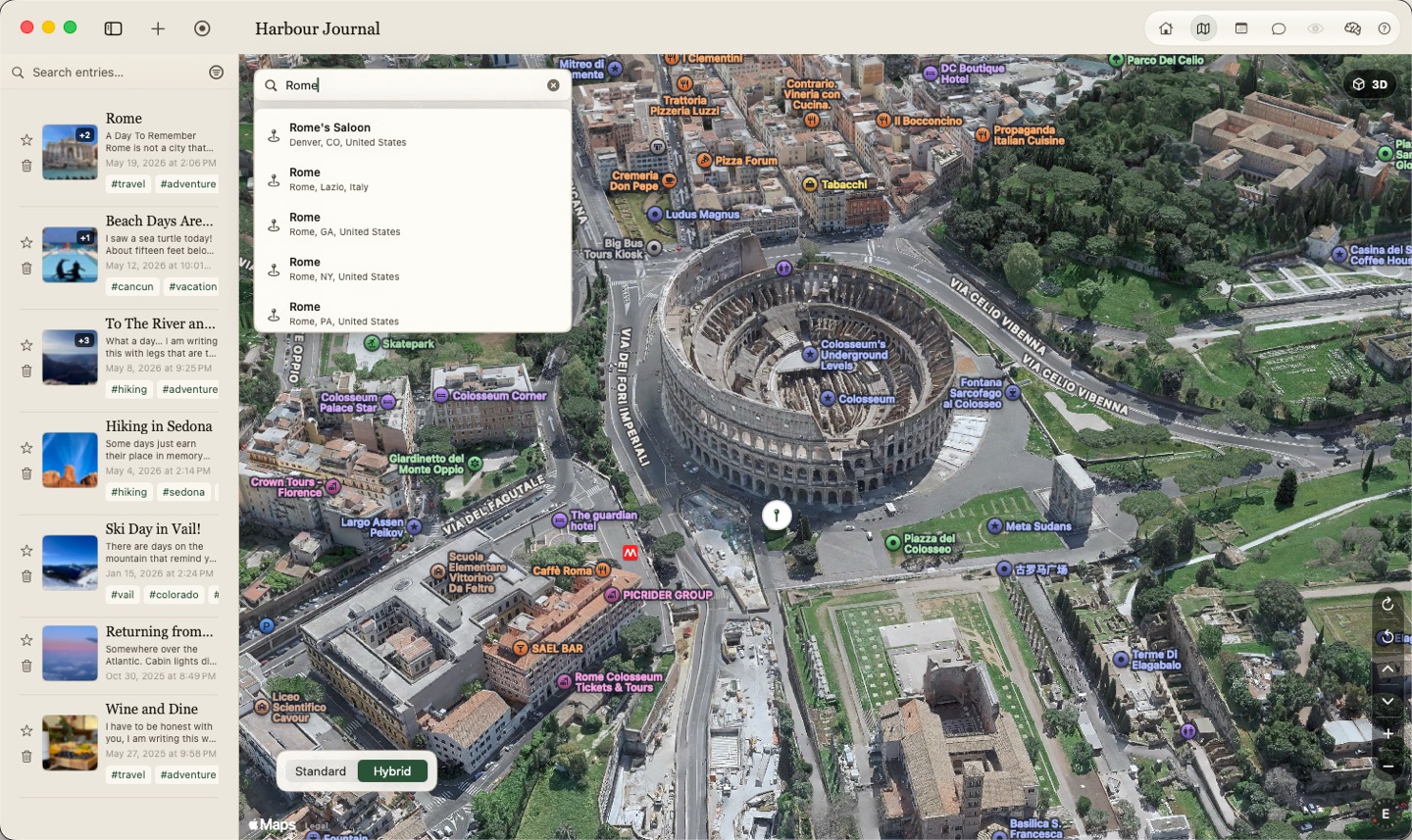
Save where something happened and browse entries by place when location is part of the memory.
Mark entries you know you will want again so you can find your favorites with a single click.
See what you wrote on this date in past years and notice connections that only become obvious with time.
You can use Harbour as a journal without turning on AI. These specs are mainly for local AI features such as reflection, memory, chat, and voice.
Usable local AI, with some limits.
Better fit for regular AI reflection.
Best for heavier local AI use.
Harbour works differently from most journaling apps, so it is natural to have questions. Here are the most common ones, answered in plain language.
The beta is for Mac users who care about privacy, want to help shape a local-first journaling product, and are comfortable testing an early build with some rough edges while giving thoughtful feedback.
Yes. Harbour is built so your entries, memories, photos, chats, and reflections stay on your Mac by default. It is designed around local ownership rather than a cloud account model.
Local AI means the AI runs on your own Mac instead of on someone else’s servers. In practice, that means Harbour can help you reflect, remember patterns, and respond to your writing without needing to send your private journal to the cloud.
The AI in Harbour is optional. If you choose to use it, it works with the journal information already on your Mac and can help you reflect, notice patterns, and revisit meaningful details. You can think of it as a private reflection tool you can use when you want it, not something that takes over the app.
No. There is no separate AI subscription. Harbour’s AI features are designed to run locally on your Mac, so they are part of the app rather than a second service you have to keep paying for.
Yes. Harbour is a journal first. The writing, browsing, search, tags, favorites, map view, and calendar features still matter even if you never turn on AI. The AI layer is there to help, not to make the rest of the app unusable without it.
The product direction is private by default. For the beta, required usage analytics are anonymized and limited to product signals like feature usage, AI thumbs up or thumbs down feedback, and basic machine details such as chip and memory. They do not include journal content, chat history, or reflections.
No. Your journal content, chat history, and reflections are not sent off to train outside AI models. They are also not used to train the local model on your Mac. Harbour is designed to keep that personal material with you.
Harbour’s memory system is meant to help the app remember the people, places, and recurring details in your life so reflection can feel more personal over time. Those memories stay private and live on your Mac, just like the rest of your journal. They are not something other people can browse, and they are not being sent out for someone else to inspect.
Map and location features are completely optional. Harbour uses Apple MapKit for maps and place search, similar to other Mac apps that show maps. If you open map view, Harbour uses Apple MapKit to display the locations you have chosen to save on journal entries. If you attach a photo that already has location metadata, Harbour can offer that photo location as an optional suggestion for the entry. You can also manually search for a place if you want to tag an entry with a location. Those map and search requests go through Apple MapKit, not to the developer. Harbour does not send your location data to Foss Creative as part of using these features.
No. Harbour is positioned as subscription-free and local-first. The point is to give you a journal you own, not one that becomes less useful the moment a recurring payment stops.
Not for the core idea of the app. Because Harbour is local-first, the experience is designed around your journal living on your Mac. Some setup steps or beta-related flows may still use the internet, but the product direction is to keep your day-to-day journaling experience as independent from the cloud as possible.
Harbour still works as a journal first. Local AI is there to help with reflection, memory, and pattern-finding when your Mac supports it, but the app should remain useful even when AI is unavailable, imperfect, or turned off.
You can still use Harbour as a journal. The system requirements mostly affect how comfortably the local AI features run. If your Mac is below the recommended specs, the writing experience can still be useful, but the AI features may be limited, slower, or unavailable.
You have two straightforward options. If you back up your Mac with Time Machine or any other full-drive backup system, your Harbour Journal data is backed up along with the rest of your Mac. You can also use Harbour’s export feature to export your full journal into a folder, then store that folder anywhere you want to keep an additional backup.
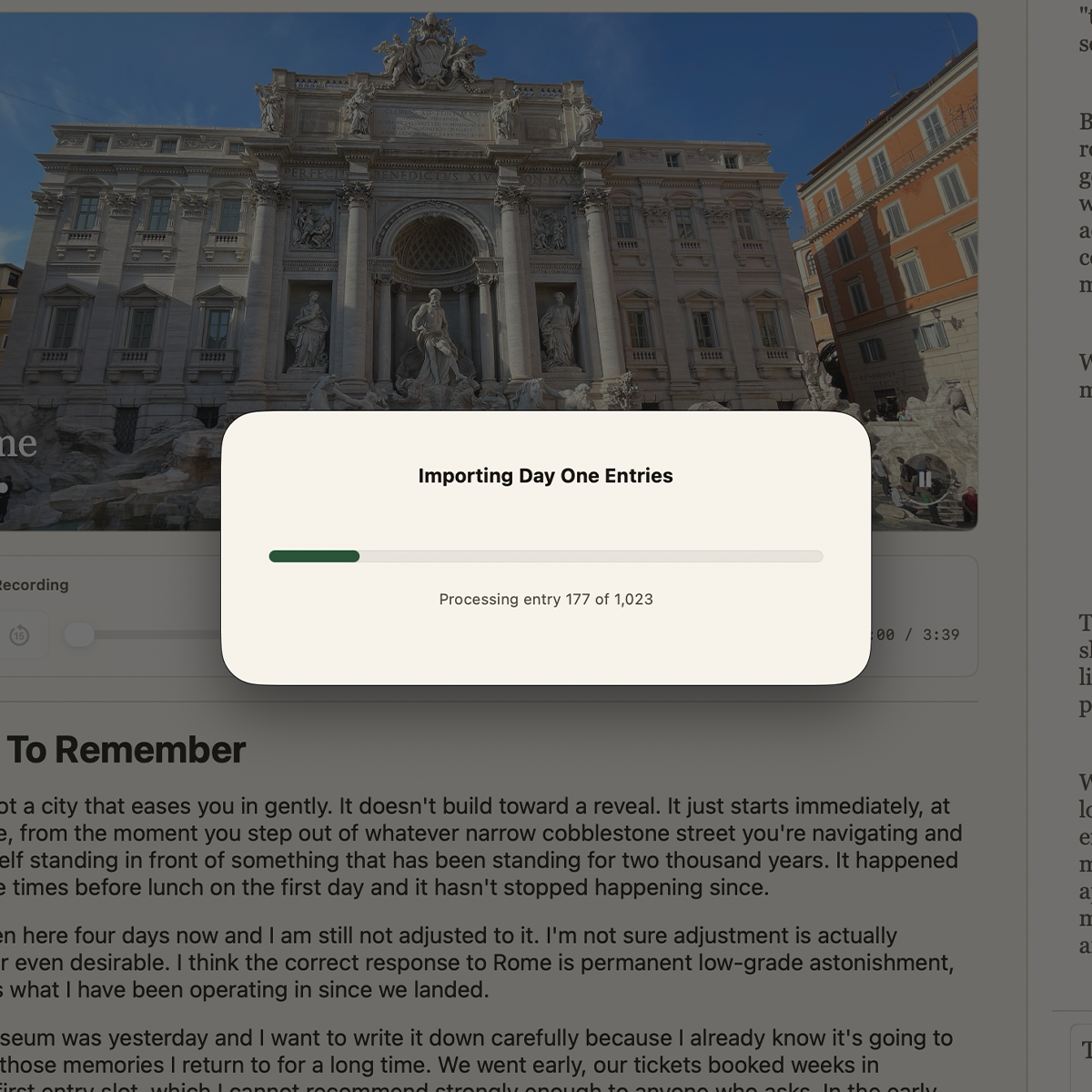
Yes, Harbour already supports importing from Day One. Support for importing from other journal apps is planned as well, and we expect beta feedback to help determine which imports should be prioritized next.
Yes. Harbour includes export so you can take your journal with you. That is important both for backup and for peace of mind, because a private journal should never feel trapped inside one app.