

Harbour Journal icon
Harbour Journal Private AI journaling for macOS

Harbour Journal is now on the Mac App Store.

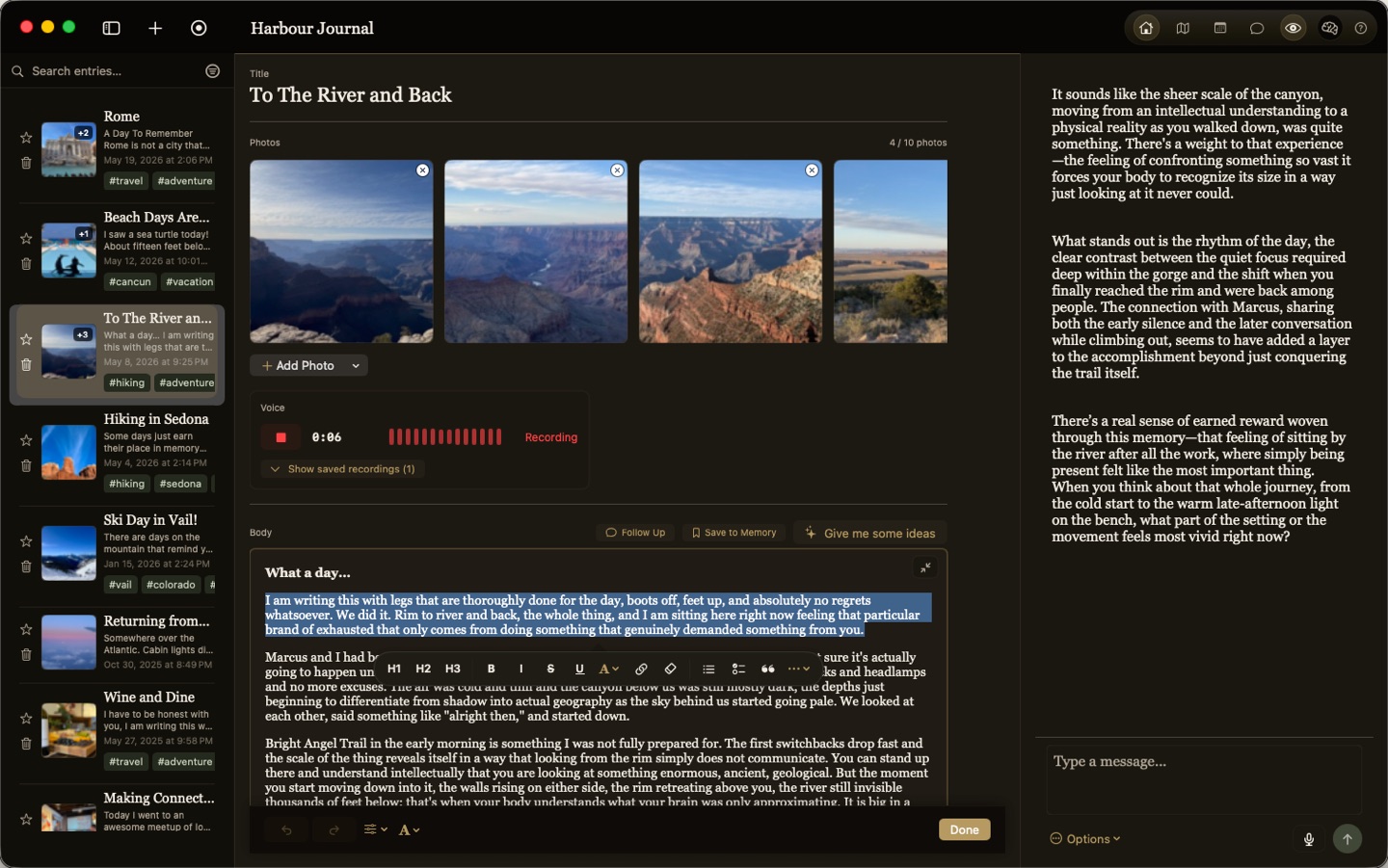
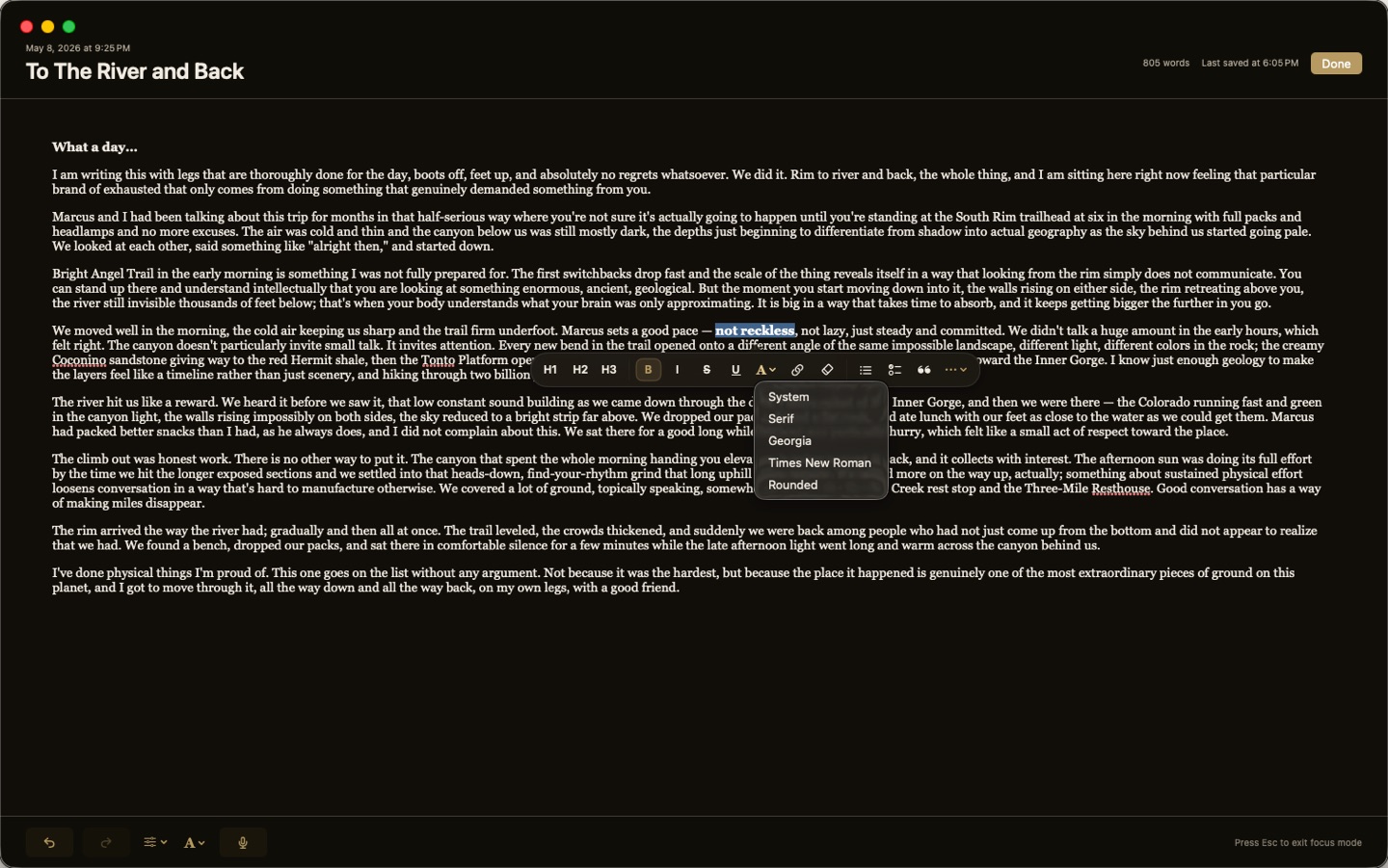
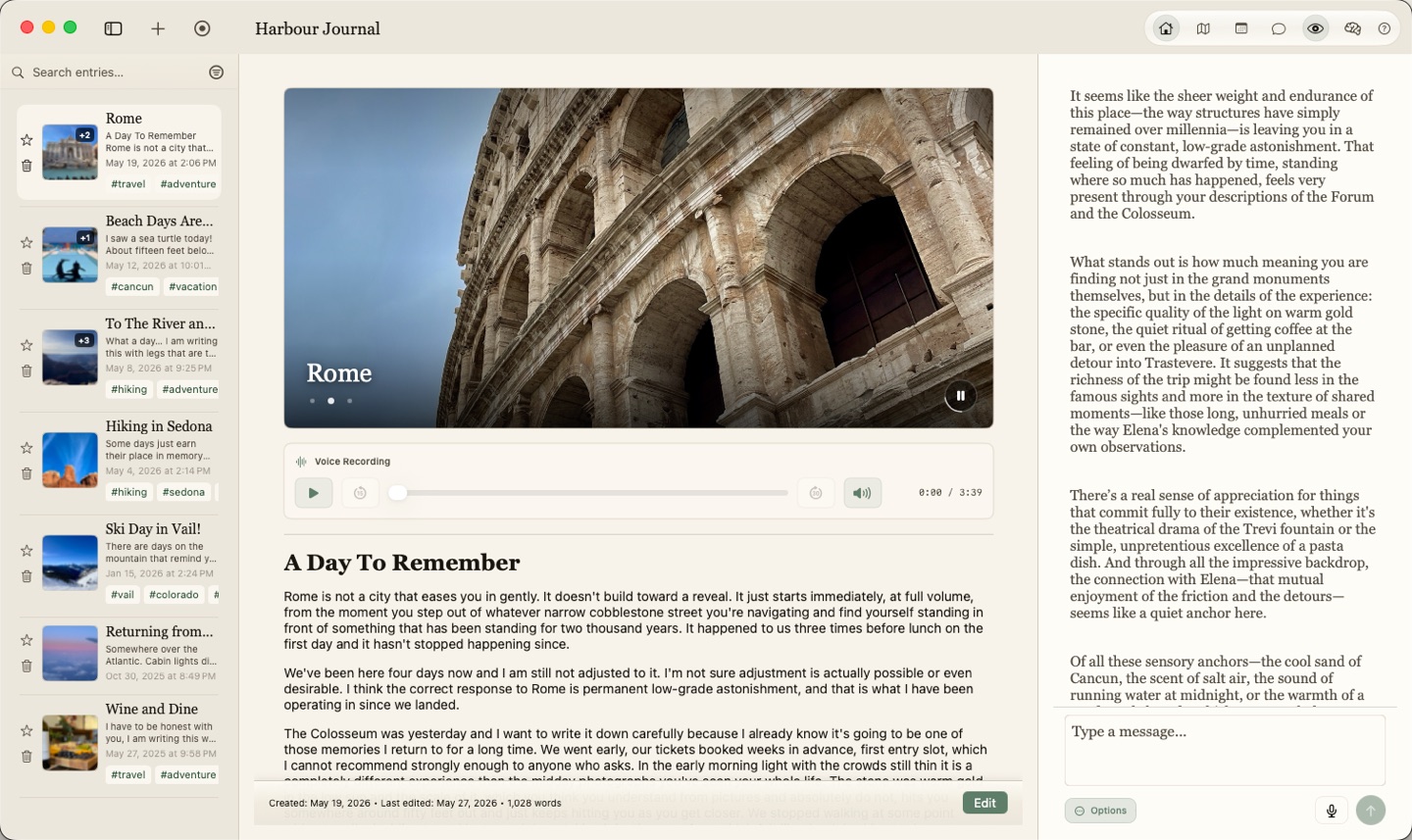
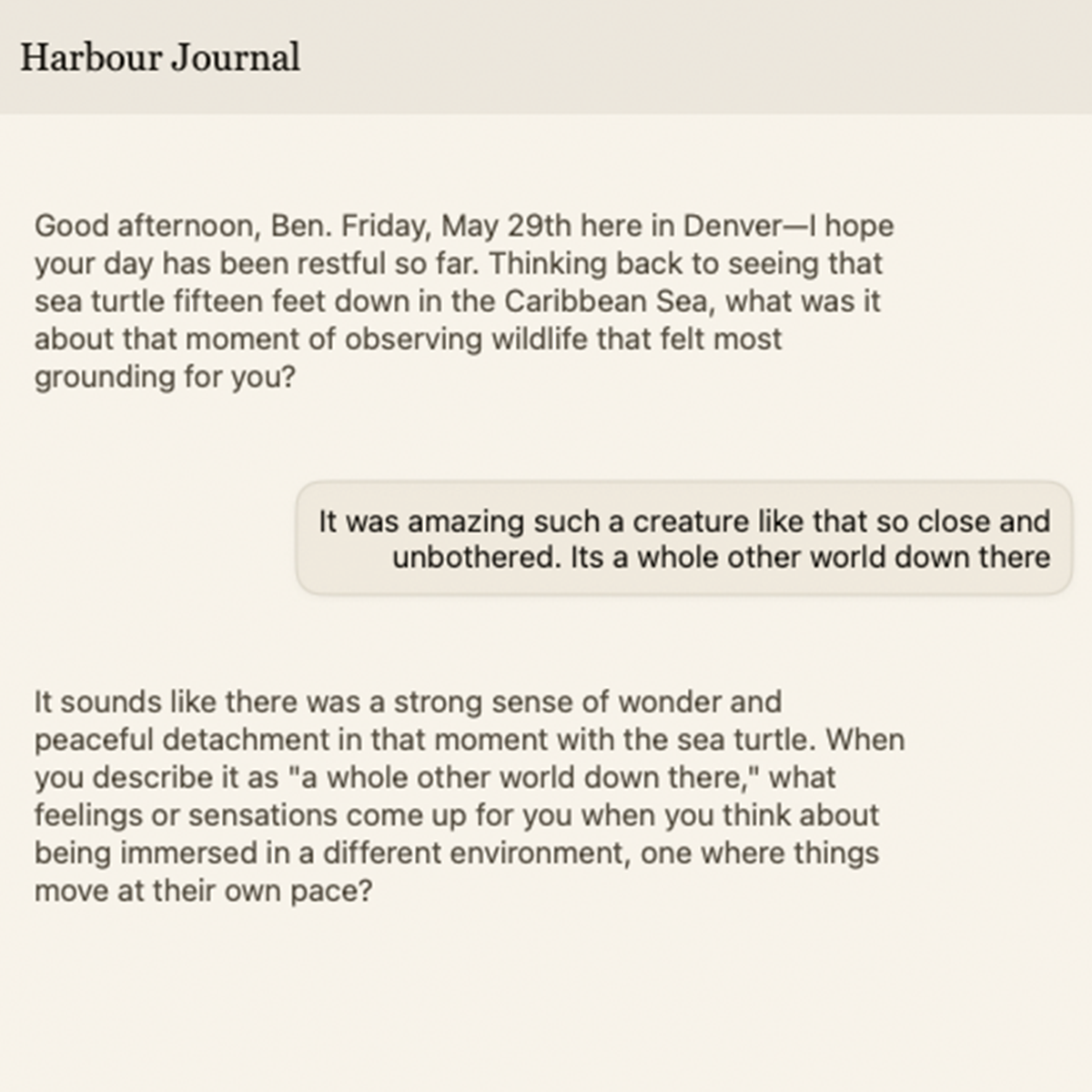
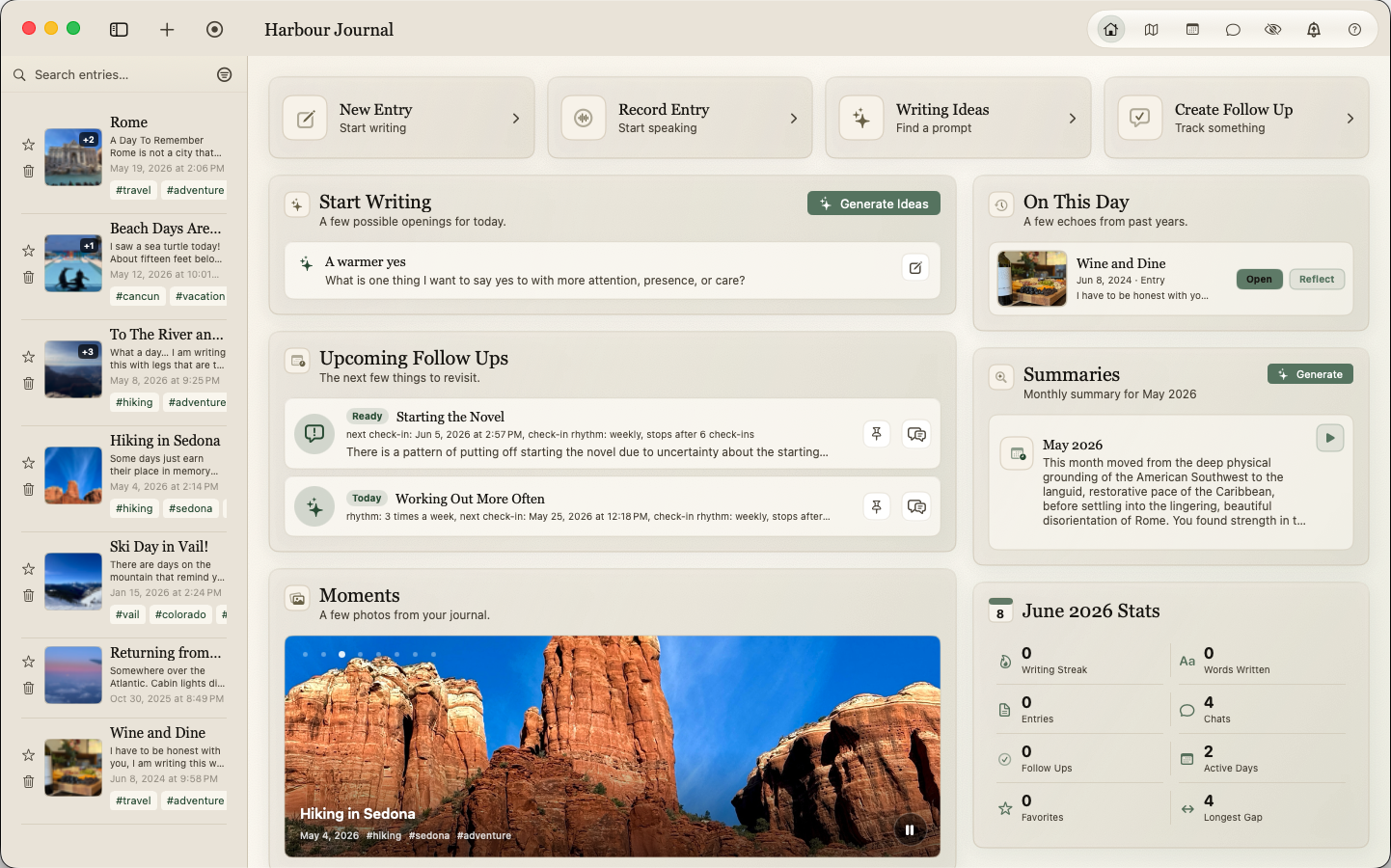
Reflect with local AI, build private memory over time, and write freely with a private journal built for your Mac.

Download on the Mac App Store 14-day trial through the Mac App Store
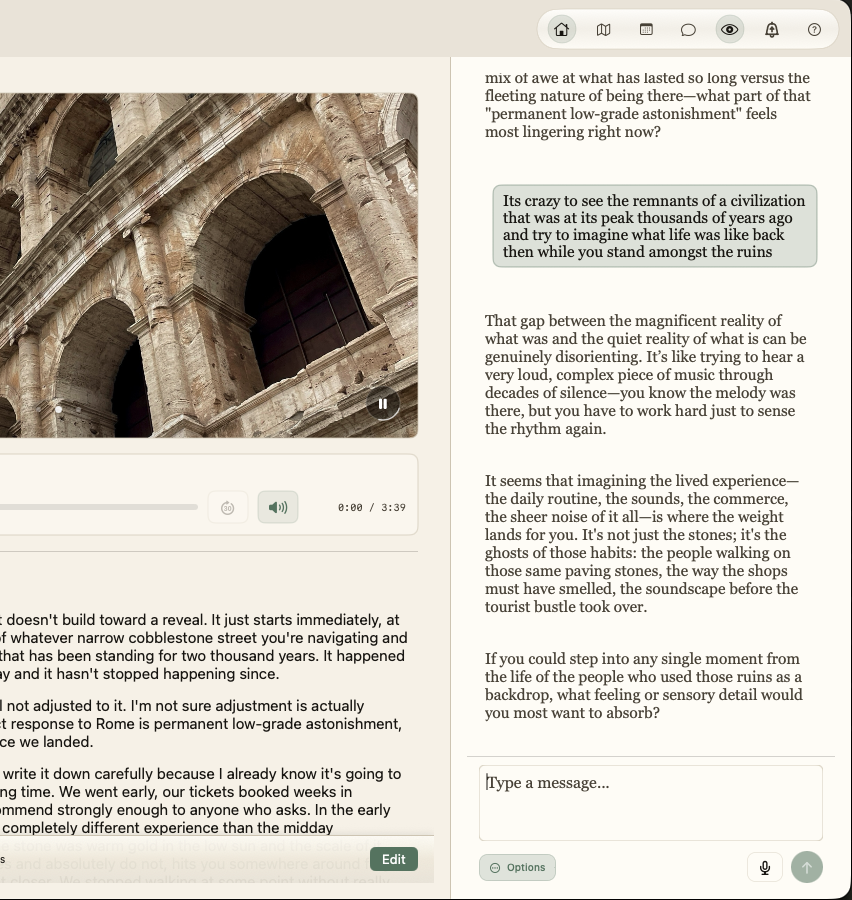
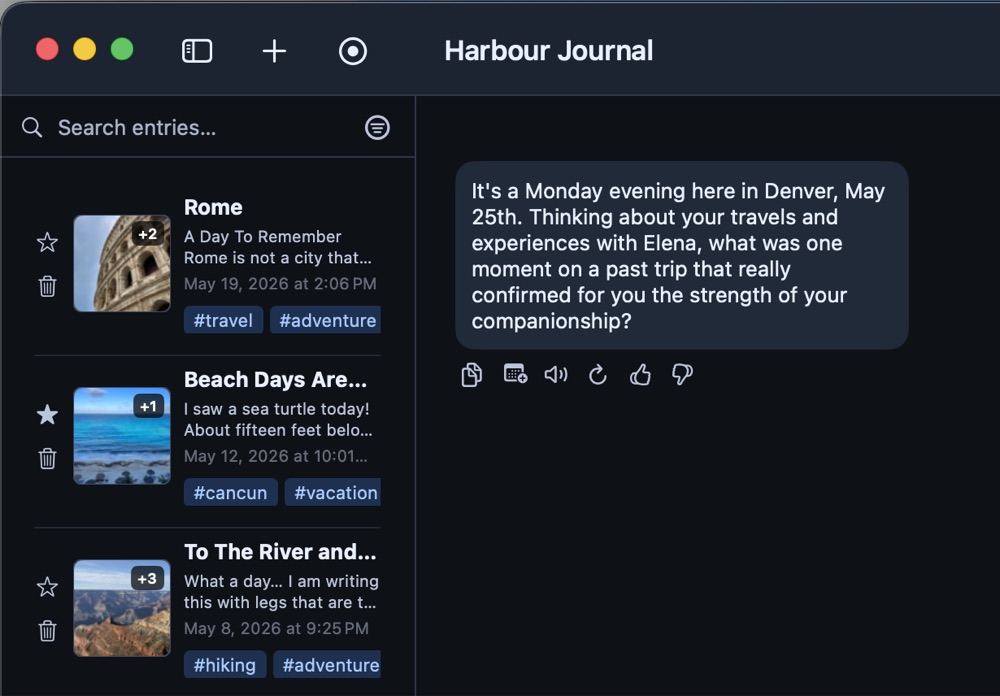
Harbour Journal running on a MacBook with the journal reader view in motion
  • Local AI that runs on your Mac
  • Available on the App Store
  • Your journal stays private

"I have continually struggled to find a journaling tool that I enjoy using. Harbour Journal changed that for me. The intentionality of the design and features has made it part of my day I don't like missing."

George

See the AI journaling
flow in motion.

Demo video loading Watch the 30 Second Demo

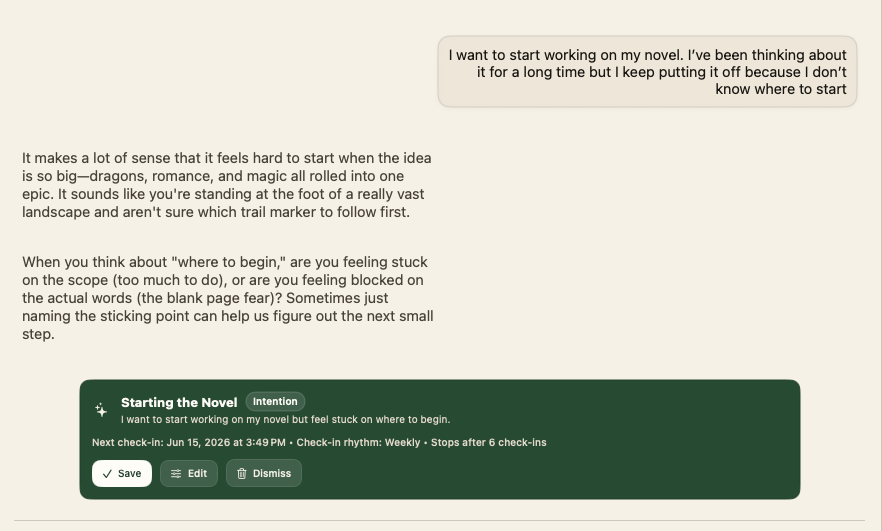
"The AI-powered reflections have been especially useful for helping me spot patterns in my thinking that I might have otherwise missed."

Brett

Privacy is the product.

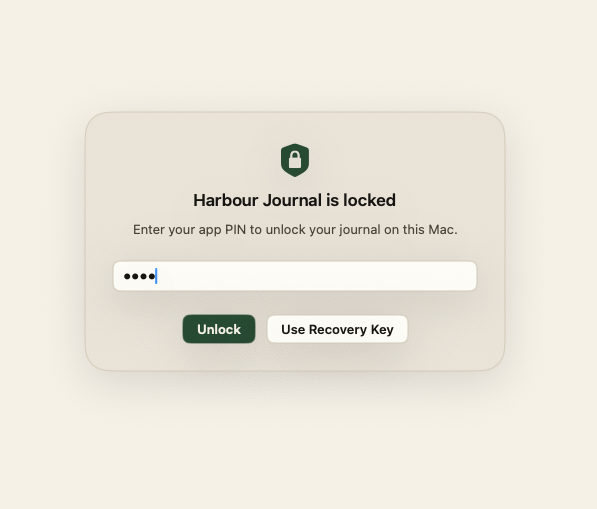
Harbour has one simple rule. Your journal stays on your Mac. So do your chats, memories, and AI reflection.

Ben, the solo developer behind Harbour Journal
Ben, Founder and Developer

"I recently switched from journaling in a traditional notebook to using Harbour Journal, and I'm so happy I did. I used to feel paranoid journaling...With Harbour Journal, I don't have that fear anymore."

Leila

Get Harbour from the Mac App Store

Start with full access during the App Store trial. After the trial, keep Harbour with a one-time unlock.

  1. 1 Open the Mac App Store
  2. 2 Start the 14-day trial
  3. 3 Unlock once if it fits
  • 14-day App Store trial
  • Available on the App Store
  • Apple Silicon Mac required
  • No subscription

Apple handles App Store purchases, trials, family sharing eligibility, and refund requests.
What would you like to learn about first?

Powerful tools. No subscription.

Day One Gold is built for sync across devices. Harbour is built for Mac users who want rich tools, private on-device AI, memory, and follow-ups. You pay once.

Feature Harbour Journal Day One Gold*
Price $50$35 one-time purchase $74.99/year
No annual subscription X
Fully on-device AI X
AI chat
AI memory stored on your Mac Not advertised
Dynamic Follow Ups X
In-depth AI reflection Limited
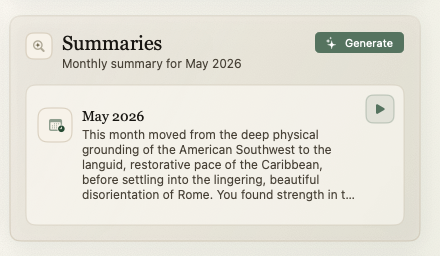
Entry highlights / summaries
Rich text, photos, tags, locations
Audio recording + transcription
Map, calendar, search
Cross-device cloud sync X
Money-back guarantee 14 days Platform dependent

* Comparison based on Day One's published Gold pricing, feature guide, and AI/privacy documentation as of May 2026. Day One is a mature cross-platform journal with sync and end-to-end encrypted storage. Harbour is a Mac-only, local-first app focused on private on-device AI. Day One's AI documentation says current AI features use server processing and may temporarily decrypt selected content for AI processing. Day One's AI feature guide lists several AI features for iPhone, iPad, Android, and Web; Mac availability may vary by feature.

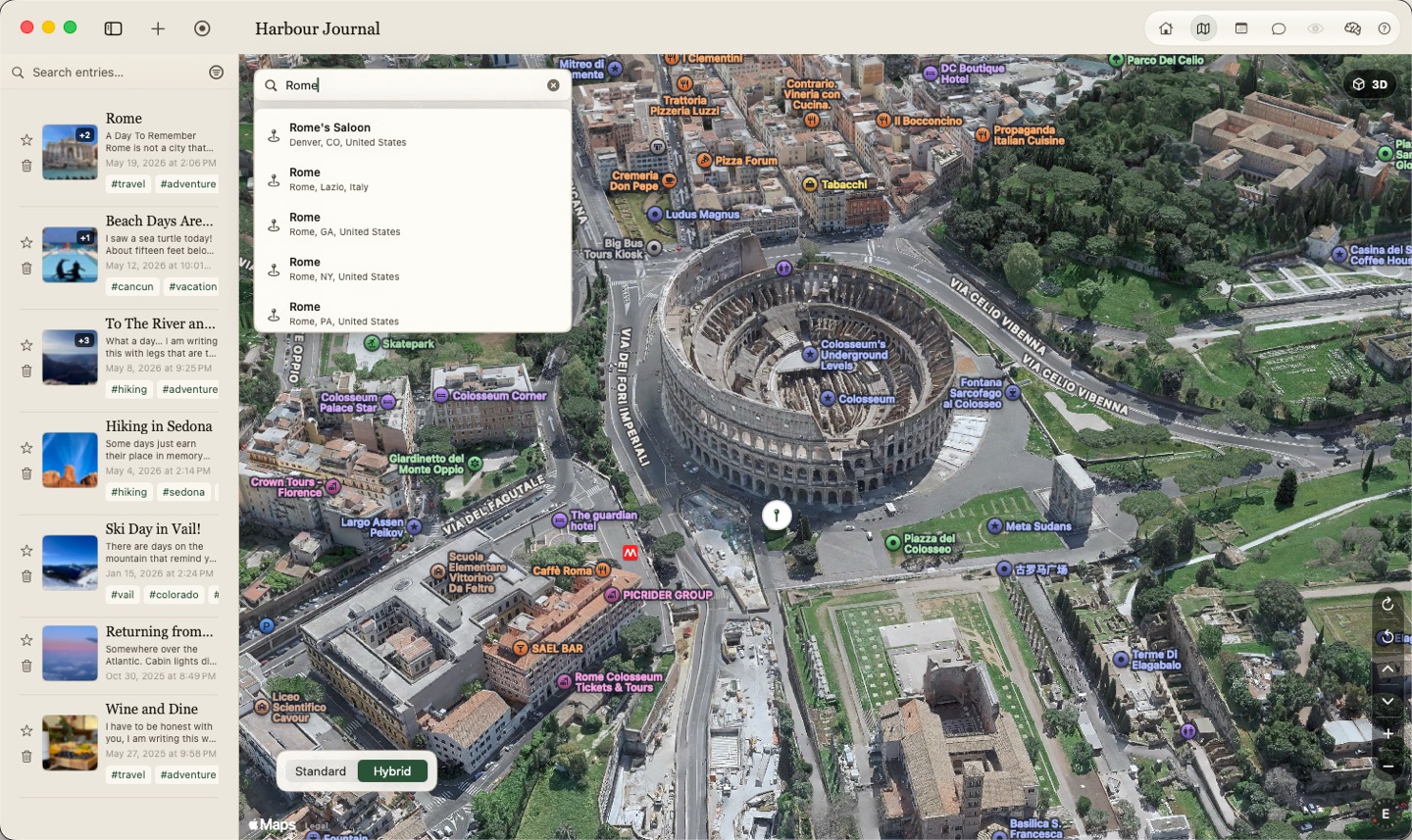
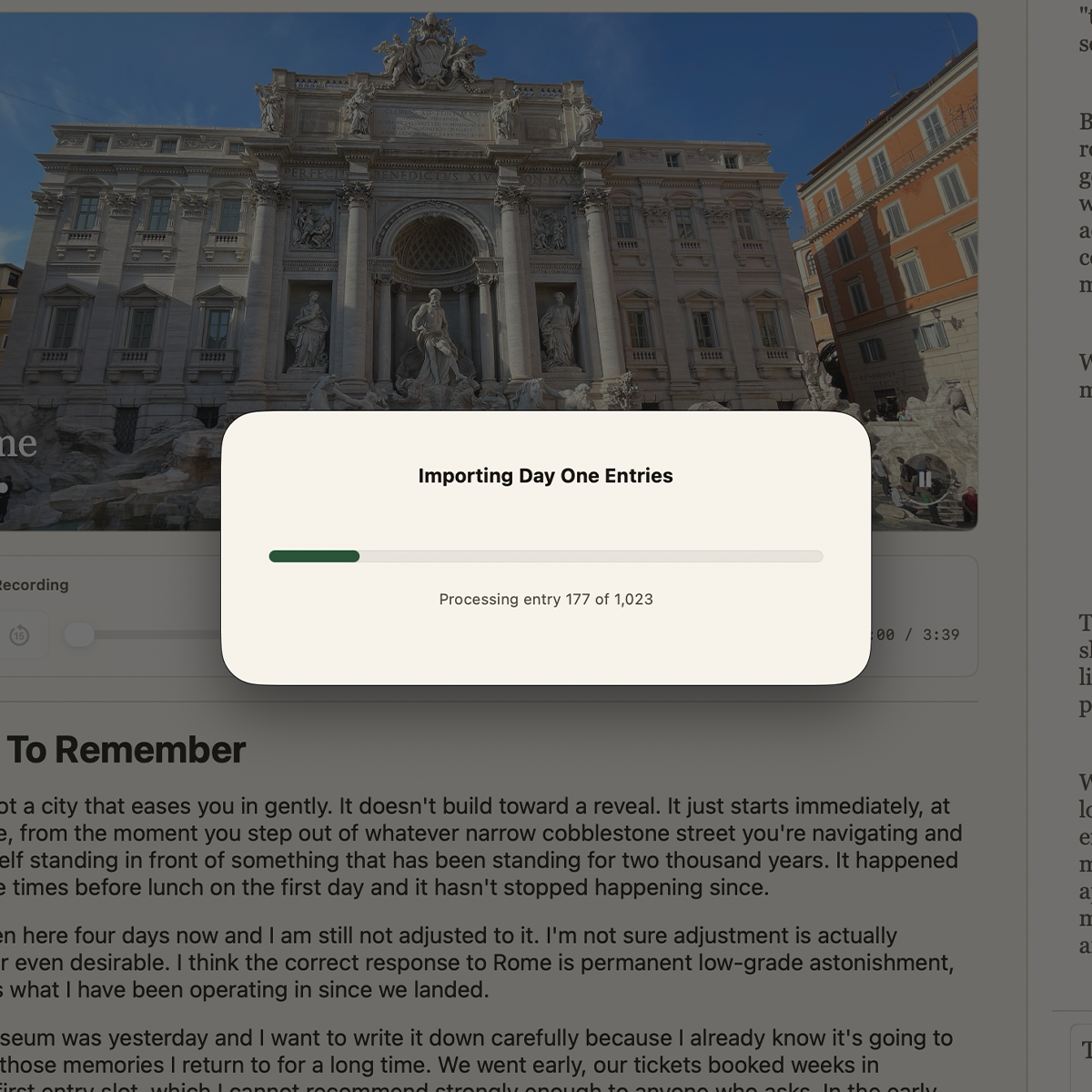
Bring your Day One journal with you. Harbour includes a guided Day One importer, so your entries, photos, tags, locations, titles, and formatting can come with you.

Ready to try Harbour?

Download Harbour from the Mac App Store and start the built-in 14-day trial when you open the app.

  1. 1 Download from Apple
  2. 2 Use the full trial
  3. 3 Keep it for $49.99
  • 14-day App Store trial
  • Available on the App Store
  • Apple Silicon Mac required
  • No subscription

No subscription. The full unlock is a one-time App Store purchase.

Questions before you start.

Simple answers to key App Store details.

Will this work on my Mac?

Harbour works on Apple Silicon Macs with at least 16 GB of memory. It does not work on iPhone, iPad, Android, Windows, or Intel Macs.

How does the App Store trial work?

Download Harbour from the Mac App Store, start the built-in 14-day trial, and use the full app during the trial period.

When does the trial clock start?

Your 14-day App Store trial starts when you begin the trial in Harbour. You need internet for the first setup and App Store entitlement check.

Is there a subscription?

Nope! After the trial, Harbour is a one-time App Store purchase with no subscription and no cloud account required.

How private is it?

Harbour is built around privacy. Your journal is stored on your Mac. Private AI runs on your device. You can add a PIN or password before the app opens.

How can an AI journal be private?

Most AI apps send your words to another company's computers. Harbour's AI can run on your Mac instead. Your journal can stay on your device while Harbour helps you reflect.

What happens after I download from the App Store?

Open Harbour, complete setup, and start the 14-day trial from inside the app. No website license key is needed for the App Store build.

Can I get a refund?

Mac App Store purchases and refund requests are handled by Apple under App Store and Apple Media Services terms.

Why not use a cloud AI journal?

Cloud tools can be useful, but a journal is personal. With a cloud journal, you must trust another account, another security model, and another company. Harbour keeps your entries on your Mac. It also has no ongoing subscription.

App Store disclosure

The Mac App Store build uses Apple StoreKit for the 14-day trial and one-time full unlock. Apple handles App Store purchase, family sharing eligibility, refund requests, and refund decisions under Apple's applicable App Store and Apple Media Services terms. Harbour may periodically check App Store entitlement state to recognize active trials, full unlocks, expired trials, refunds, or revoked access.